Status Notifier — USB Busy Light for Teams, Zoom, Slack & Discord
🔒 Secure checkout ↩️ 14-day returns 🛡️ 1-yr warranty 🇺🇸 Ships from California
Your status changes, your light changes — automatically. No buttons. No app to remember to open.
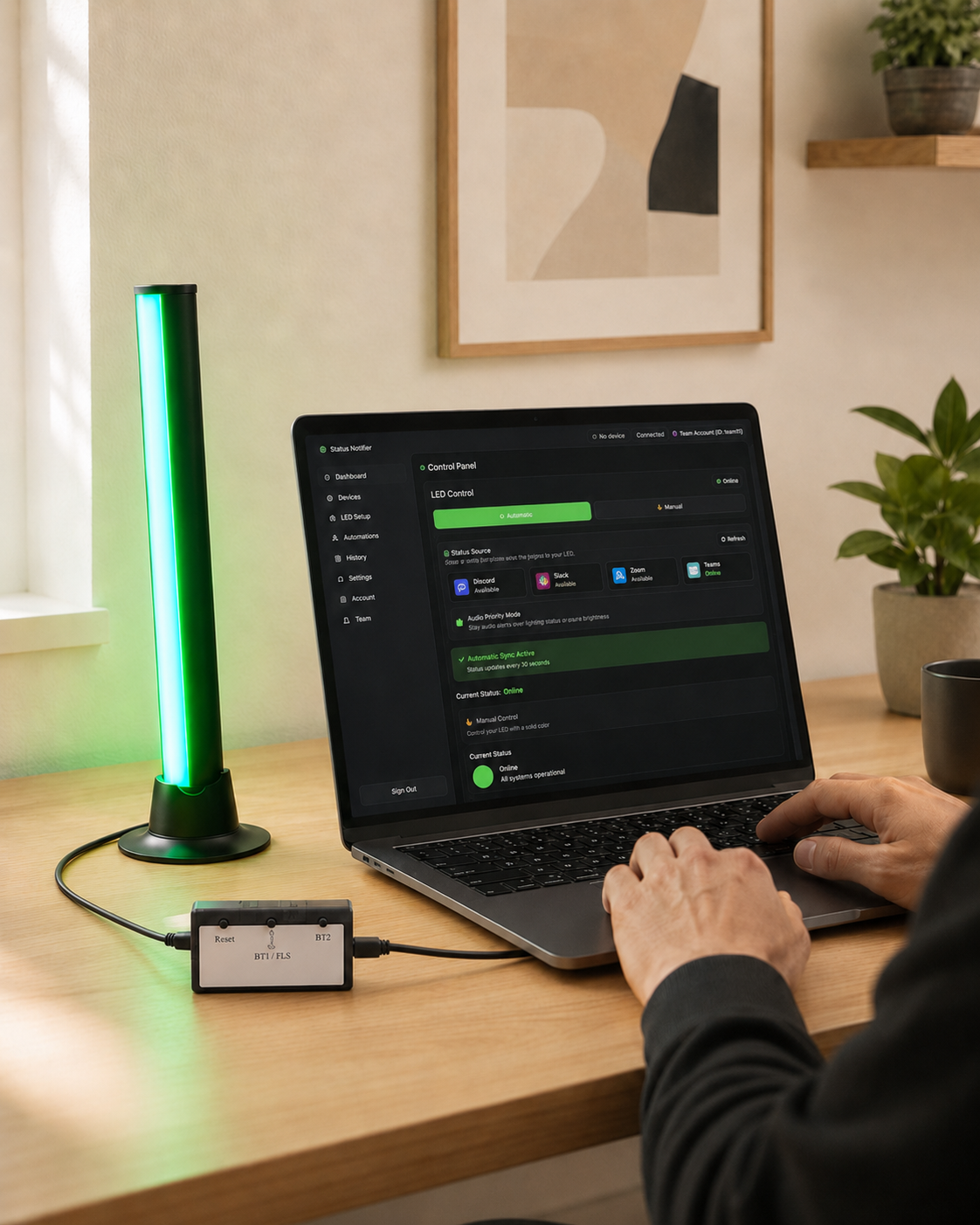
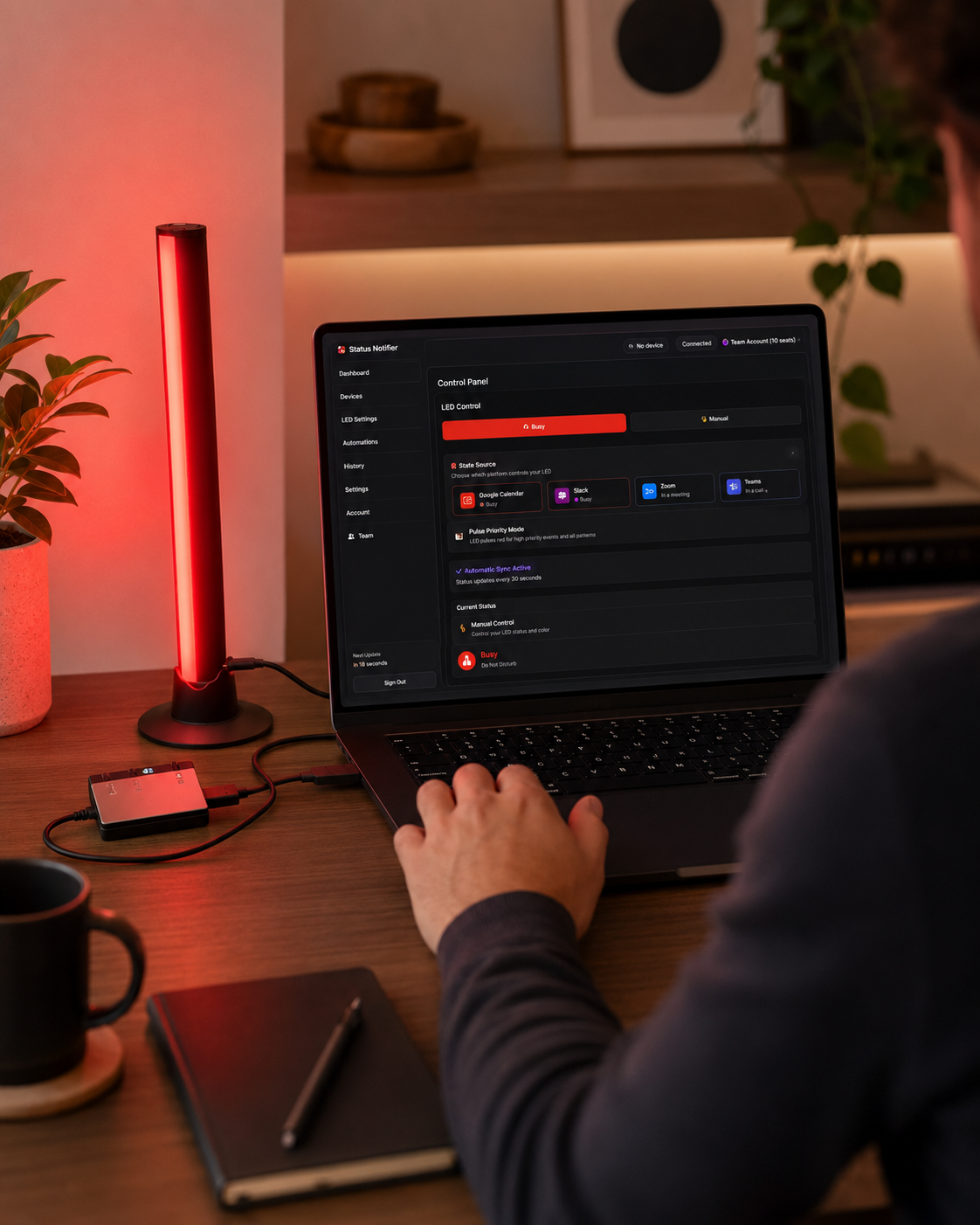
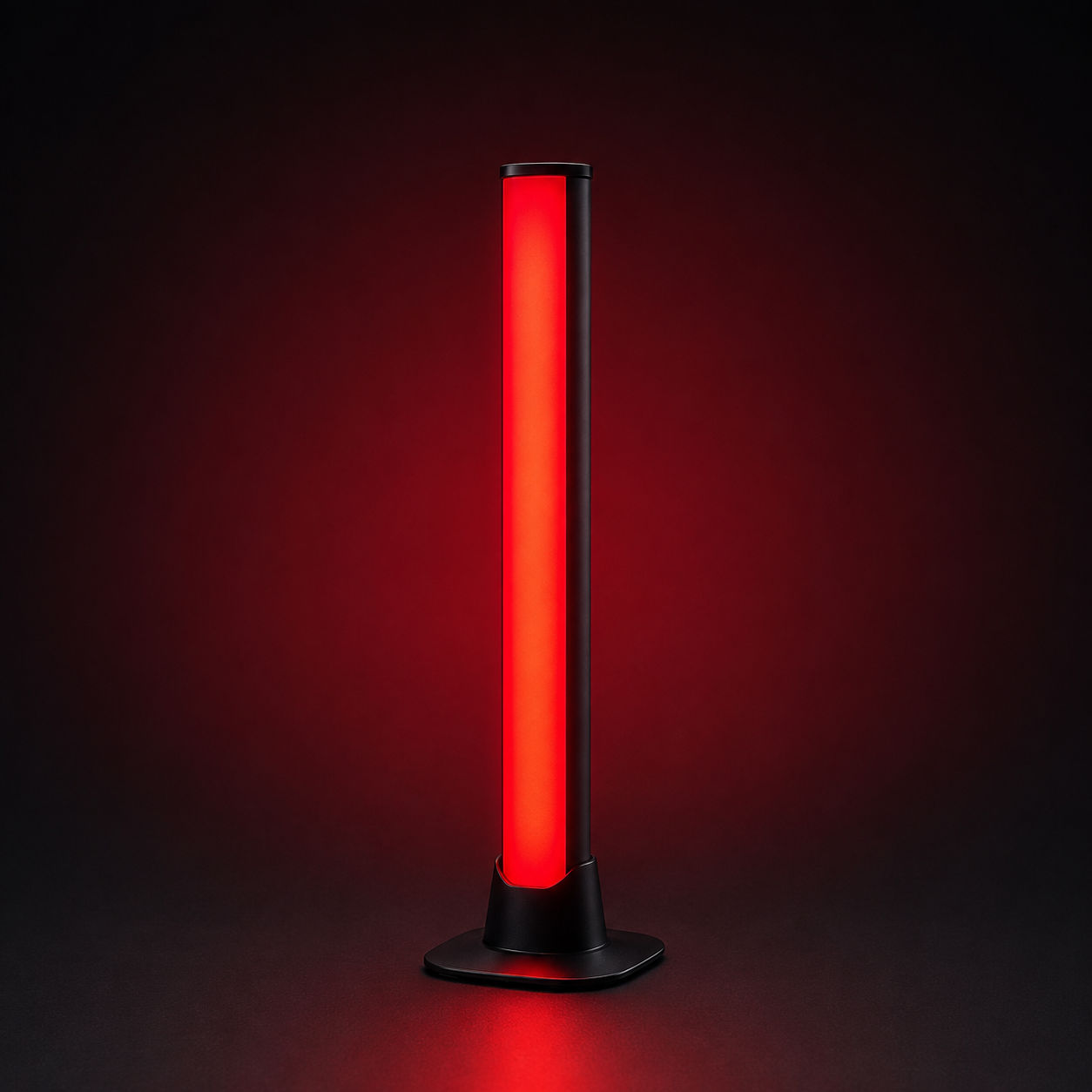
Ever been interrupted mid-meeting because the person next to you couldn't tell you were on a call? Status Notifier fixes that. It's a USB desk light that shows when you're available, busy, or in a meeting — so the people around you know before they interrupt.
When your status changes in Teams, Zoom, Slack or Discord, the light follows on its own: red when you're busy, green when you're free.
Here's what makes it different: Status Notifier works with Microsoft Teams, Zoom and Slack — and it's the only commercial busy light that also tracks Discord. On Professional and Team plans you can connect all four and switch which one drives the light in a single click.
Free app, optional upgrades — no surprises:
• The light: $39.99, one-time.
• Free app: automatically syncs one platform — Microsoft Teams, Slack or Zoom — checking your status every 30 seconds. Manual control of any color, any time.
• Paid plans from $4.99/month add Discord, multiple platforms, faster sync, animated effects and automation. Cancel anytime.
Why you'll like it:
✅ Works with Microsoft Teams, Zoom, Slack & Discord
✅ Free app auto-syncs Teams, Slack or Zoom — no subscription needed
✅ Plug-and-play USB — no batteries, no hub, no Wi-Fi setup
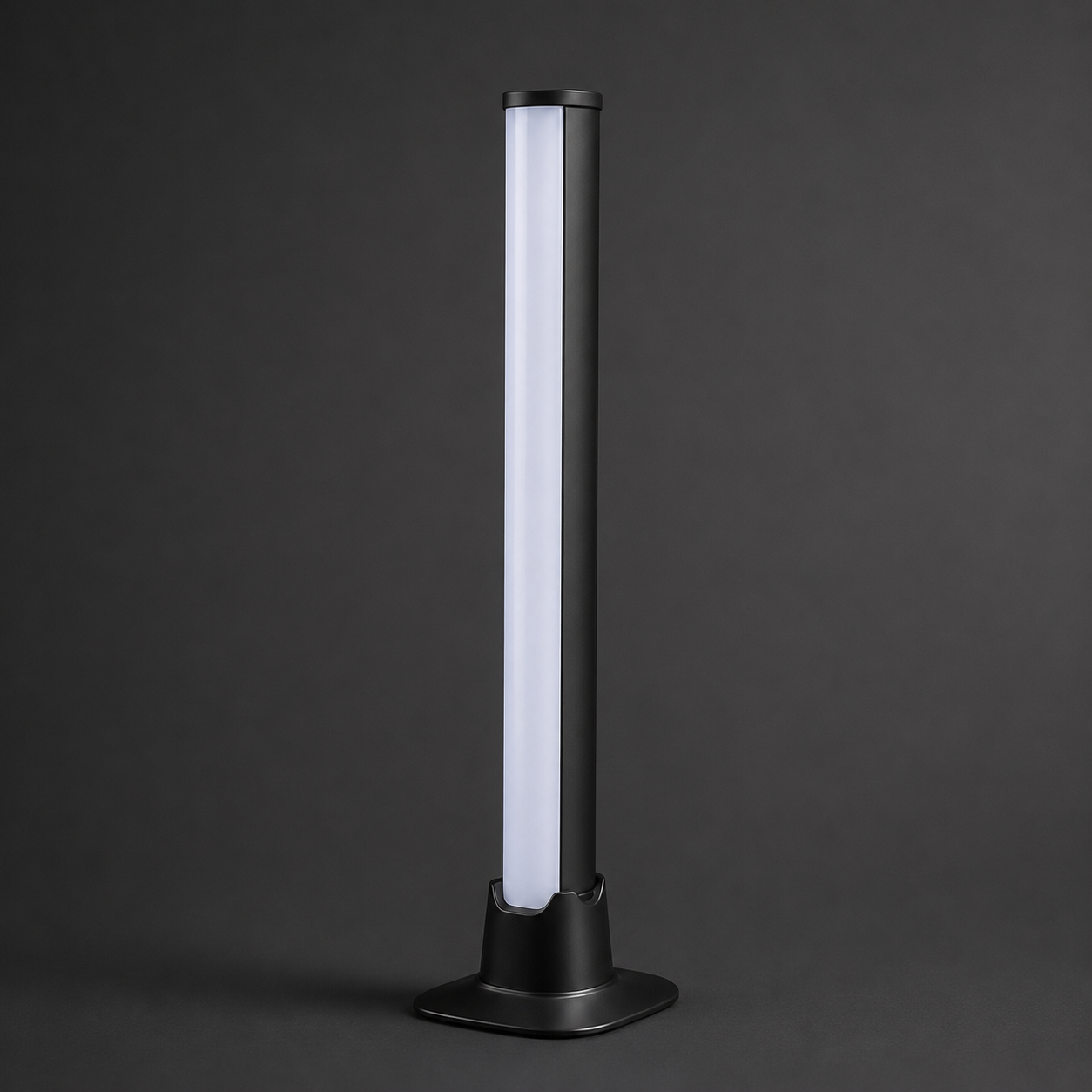
✅ Bright RGB light with your own color for each status
✅ Works on Windows 10/11 and macOS 12 or later
✅ Also on the Microsoft Store, Mac App Store & Zoom Marketplace
✅ Designed in California; assembled in the USA from globally sourced components
Private by design. Status Notifier reads only your availability status, through each platform's official secure sign-in (OAuth). It never reads your messages, calls, or meeting content — and there's no extra account or password to create.
Setup takes about 2 minutes:
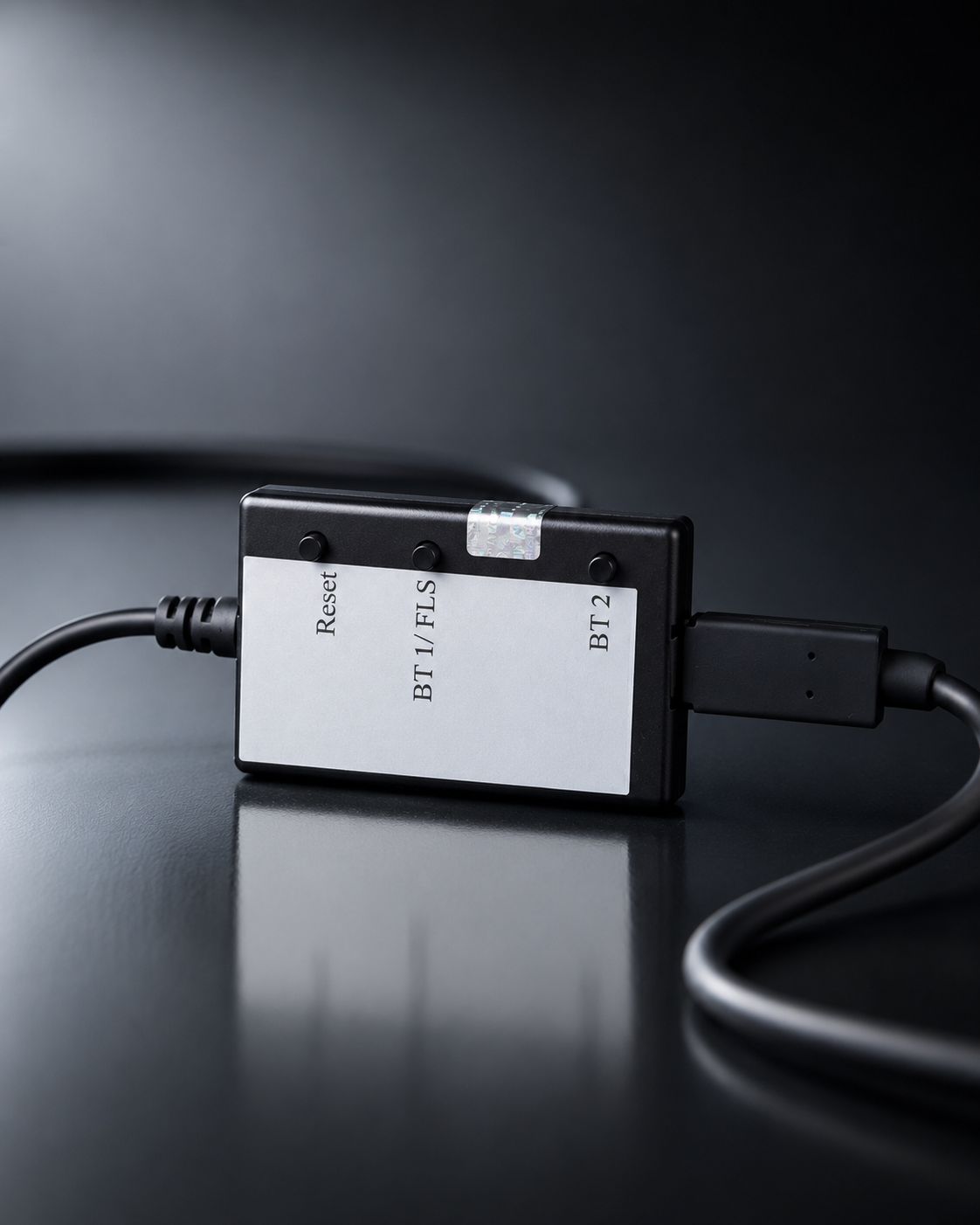
1. Plug the controller into your computer with the included USB cable.
2. Download the free app from the Microsoft Store, the Mac App Store, or ghtechland.com/status-notifier-download.
3. Sign in to the platform you use, and set the light on your desk.
That's it. From then on it runs itself.
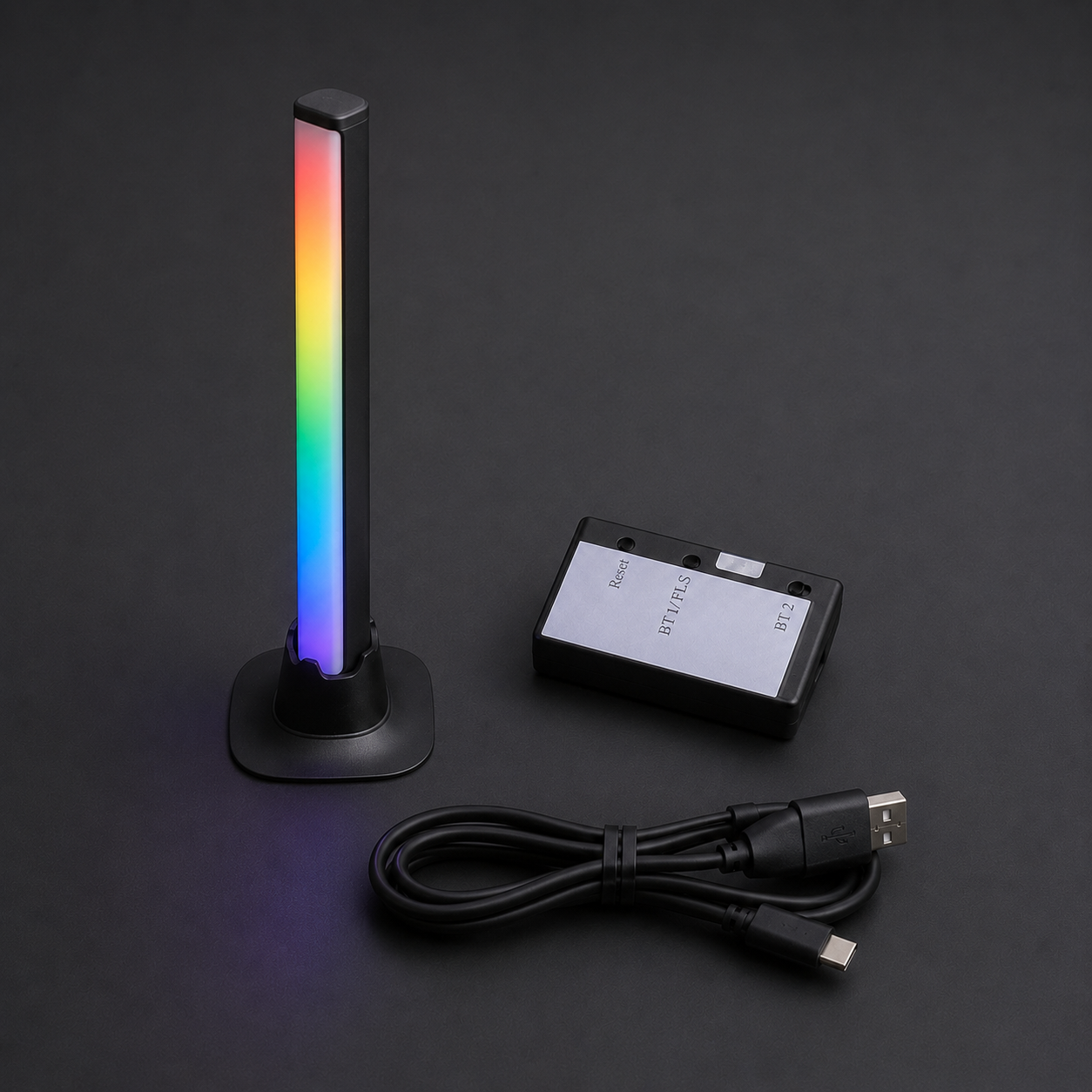
What's in the box:
- 1× Status Notifier LED light
- 1× Controller (in protective enclosure)
- 1× USB power cable (6 ft)
- Quick-start card
Requirements:
- Windows 10/11, or macOS 12 (Monterey) or newer
- One free USB port
- A Microsoft Teams, Zoom, Slack or Discord account. Teams sync needs a work or school Microsoft 365 account — Microsoft doesn't provide presence for personal accounts.
- Some company Microsoft 365 setups ask an IT admin to approve new apps once; the app gives you the approval link to send them.
Private by design. Status Notifier reads only your availability status, through official secure sign-in (OAuth). It never reads your messages, calls, or meeting content — and there's no extra cloud account to create.
Setup takes about 2 minutes:
1. Plug the controller into your computer with the included USB cable.
2. Download the free desktop app (link emailed right after purchase).
3. Sign in to the platforms you use — one, or all four — and set the light on your desk.
That's it. From then on it runs itself.
What's in the box?
- 1× Status Notifier LED light
- 1× Controller (in protective enclosure)
- 1× USB power cable (6 ft)
- Quick-start card
Requirements:
- Windows 10/11 or macOS 11 or newer
- One free USB port
- A Microsoft, Zoom, Slack, or Discord account (Microsoft auto sync works only with business/student account)
FAQ