Status Notifier — USB Busy Light for Teams, Zoom, Slack & Discord
🔒 Secure checkout ↩️ 14-day returns 🛡️ 1-yr warranty 🇺🇸 Ships from California
Your status changes, your light changes — automatically. No buttons. No app to remember to open.
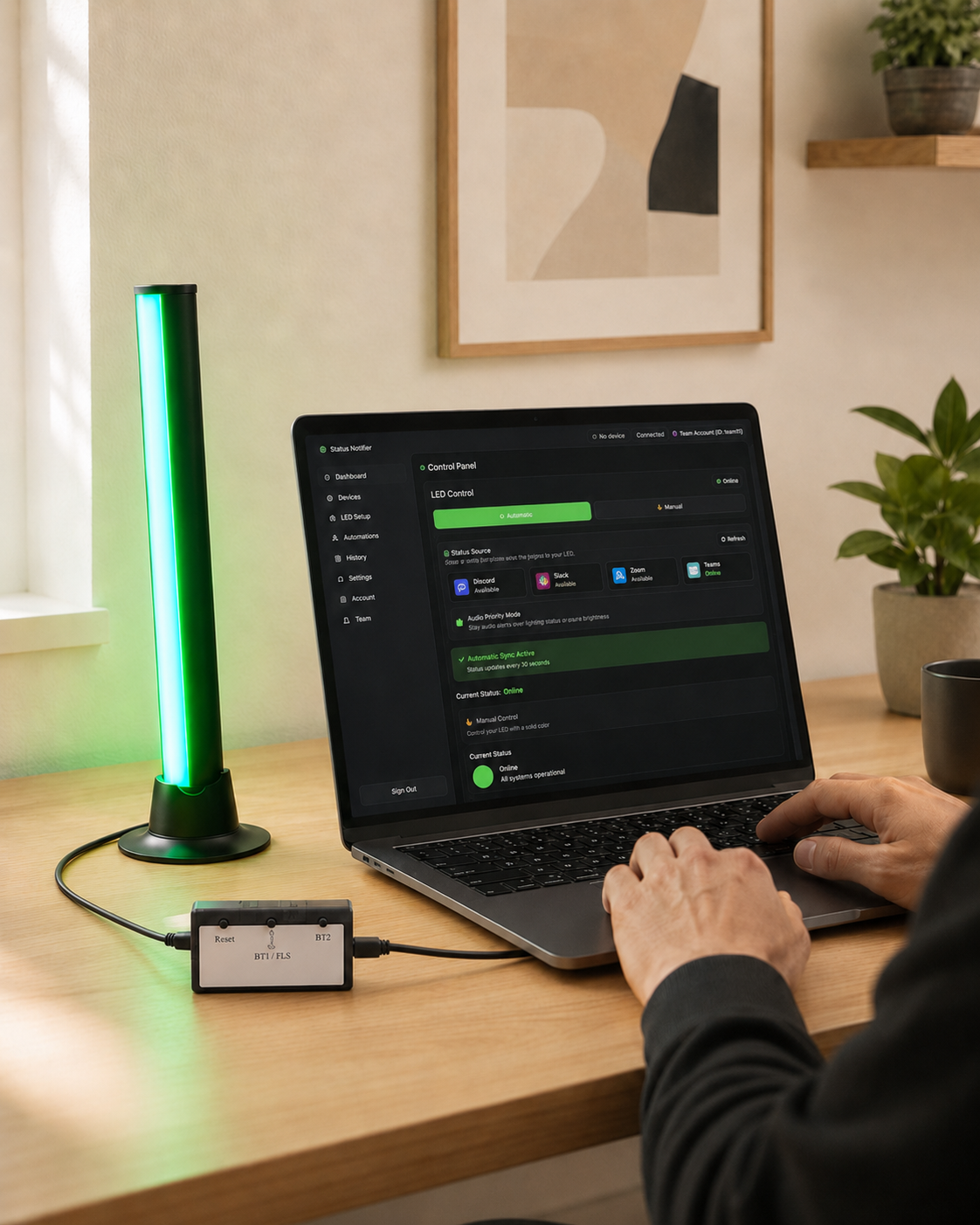
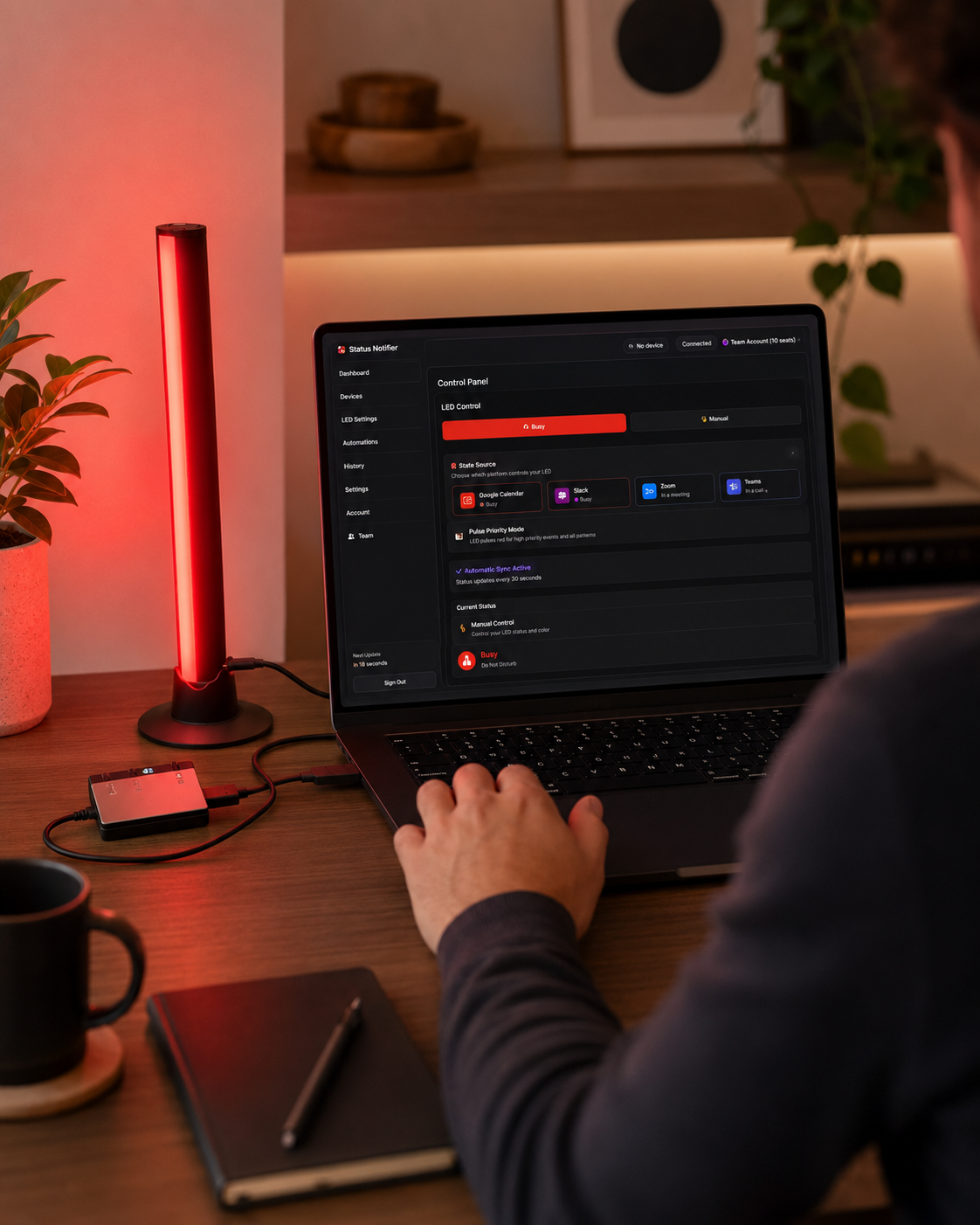
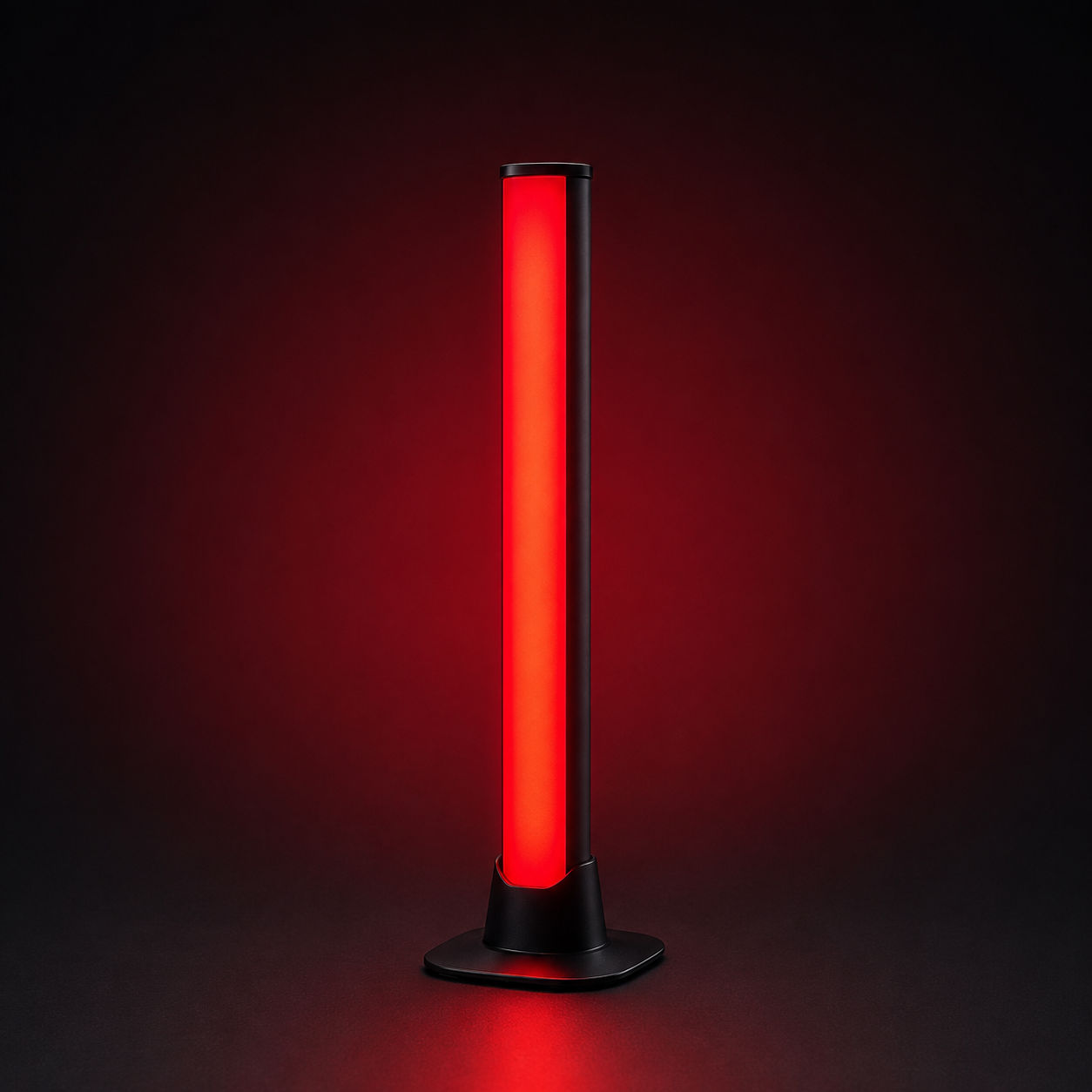
Ever been interrupted mid-meeting because the person next to you couldn't tell you were on a call? Status Notifier fixes that. It's a USB desk light that shows when you're available, busy, or in a meeting — so the people around you know before they interrupt.
When your status changes in Teams, Zoom, Slack or Discord, the light follows on its own: red when you're busy, green when you're free.
Here's what makes it different: Status Notifier works with Microsoft Teams, Zoom and Slack — and it's the only commercial busy light that also tracks Discord. On Professional and Team plans you can connect all four and switch which one drives the light in a single click.
Free app, optional upgrades — no surprises:
• The light: $39.99, one-time.
• Free app: automatically syncs one platform — Microsoft Teams, Slack or Zoom — checking your status every 30 seconds. Manual control of any color, any time.
• Paid plans add Discord, animated effects and automation. Discord starts at $4.99/month. Multiple connected platforms require Professional or Team, starting at $9.99/month. Cancel anytime.
Why you'll like it:
✅ Works with Microsoft Teams, Zoom, Slack & Discord
✅ Free app auto-syncs Teams, Slack or Zoom — no subscription needed
✅ Plug-and-play USB — no batteries, no hub, no Wi-Fi setup
✅ Bright RGB light with your own color for each status
✅ Works on Windows 10/11 and macOS 13 or later
✅ Also on the Microsoft Store, Mac App Store & Zoom Marketplace
✅ Designed in California; assembled in the USA from globally sourced components
Private by design. Status Notifier reads only your availability status, through each platform's official secure sign-in (OAuth). It never reads your messages, calls, or meeting content — and there's no extra account or password to create.
Setup takes about 2 minutes:
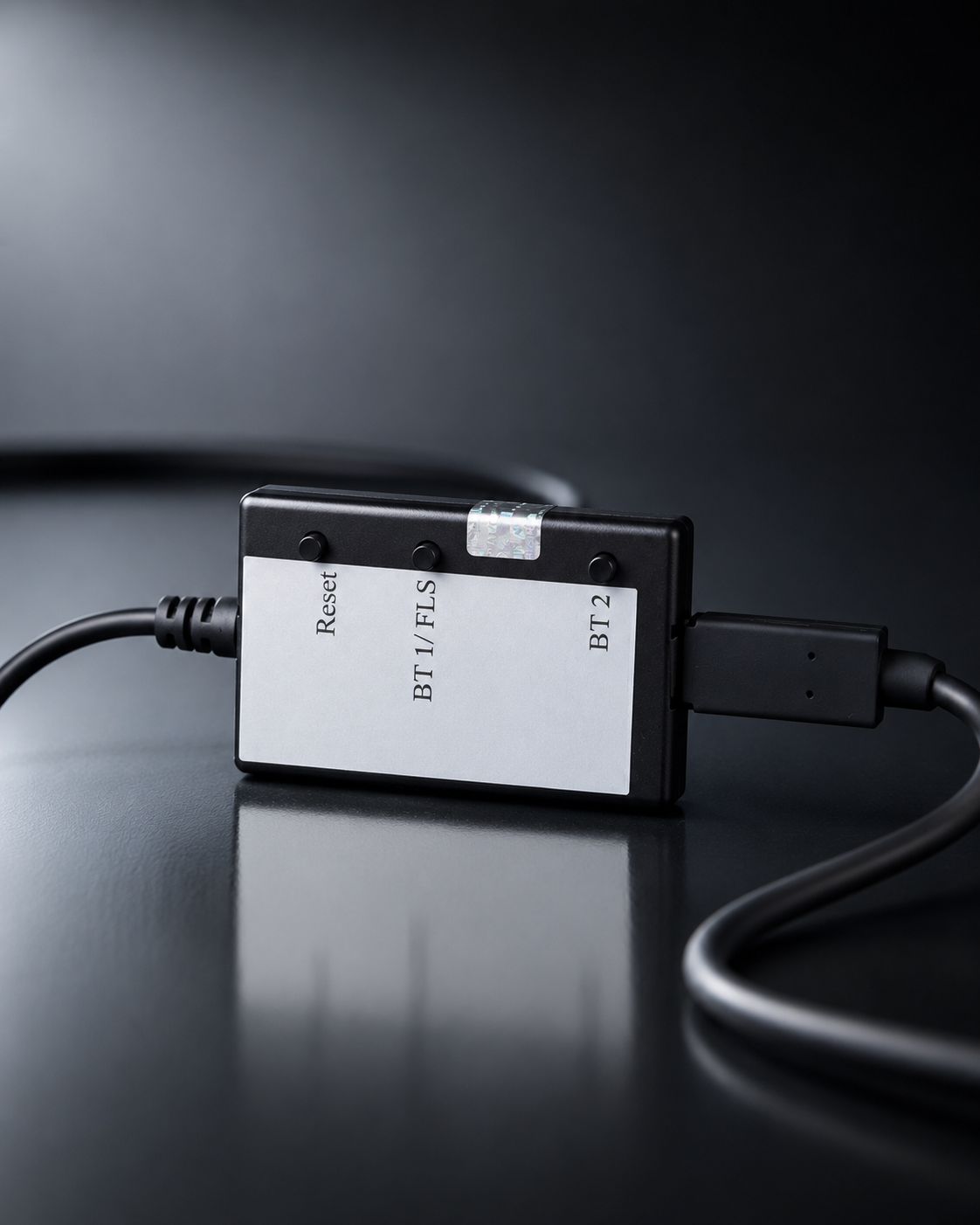
1. Plug the controller's built-in lead into the light bar, then connect the controller to your computer with the included cable.
2. Download the free app from the Microsoft Store, the Mac App Store, or ghtechland.com/status-notifier-download.
3. Sign in to the platform you use, and set the light on your desk.
That's it. From then on it runs itself.
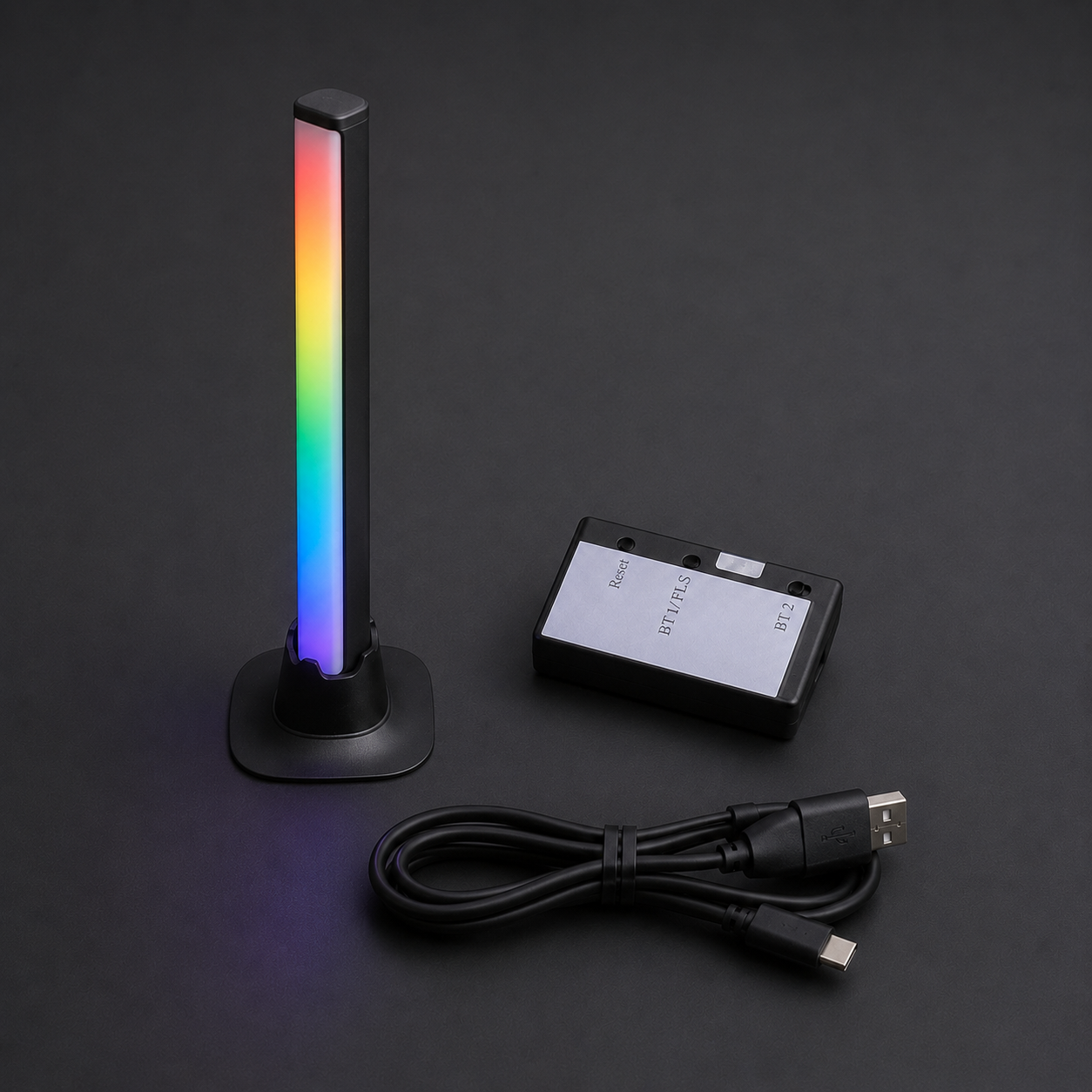
What's in the box:
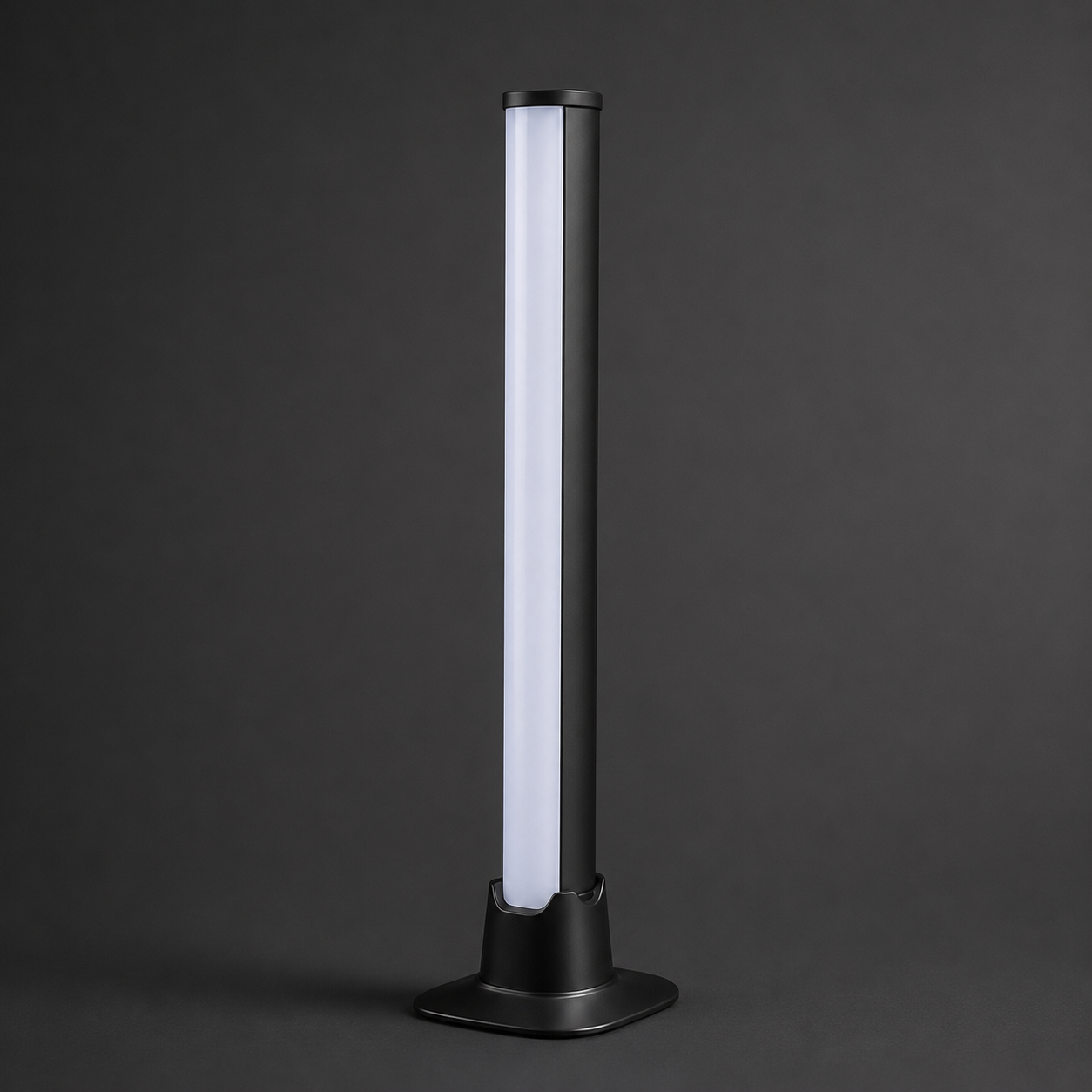
- 1× Status Notifier LED light
- 1× Controller (in protective enclosure) with built-in USB-C lead to the light
- 1× USB-C to USB-A cable (6 ft)
- Quick-start card
Requirements:
- Windows 10/11, or macOS 13 (Ventura) or newer
- One free USB-A port (or a USB-C port with an adapter, not included)
- A Microsoft Teams, Zoom, Slack or Discord account. Teams sync needs a work or school Microsoft 365 account — Microsoft doesn't provide presence for personal accounts.
- Some company Microsoft 365 setups ask an IT admin to approve new apps once; the app gives you the approval link to send them.